Website designFree→ v0 / Lovable
Startup Pricing Page — 3 Tiers
A conversion-focused pricing page with a highlighted recommended plan.
What you get: 3 pricing cards side by side, the middle one elevated and highlighted as 'Most Popular'.
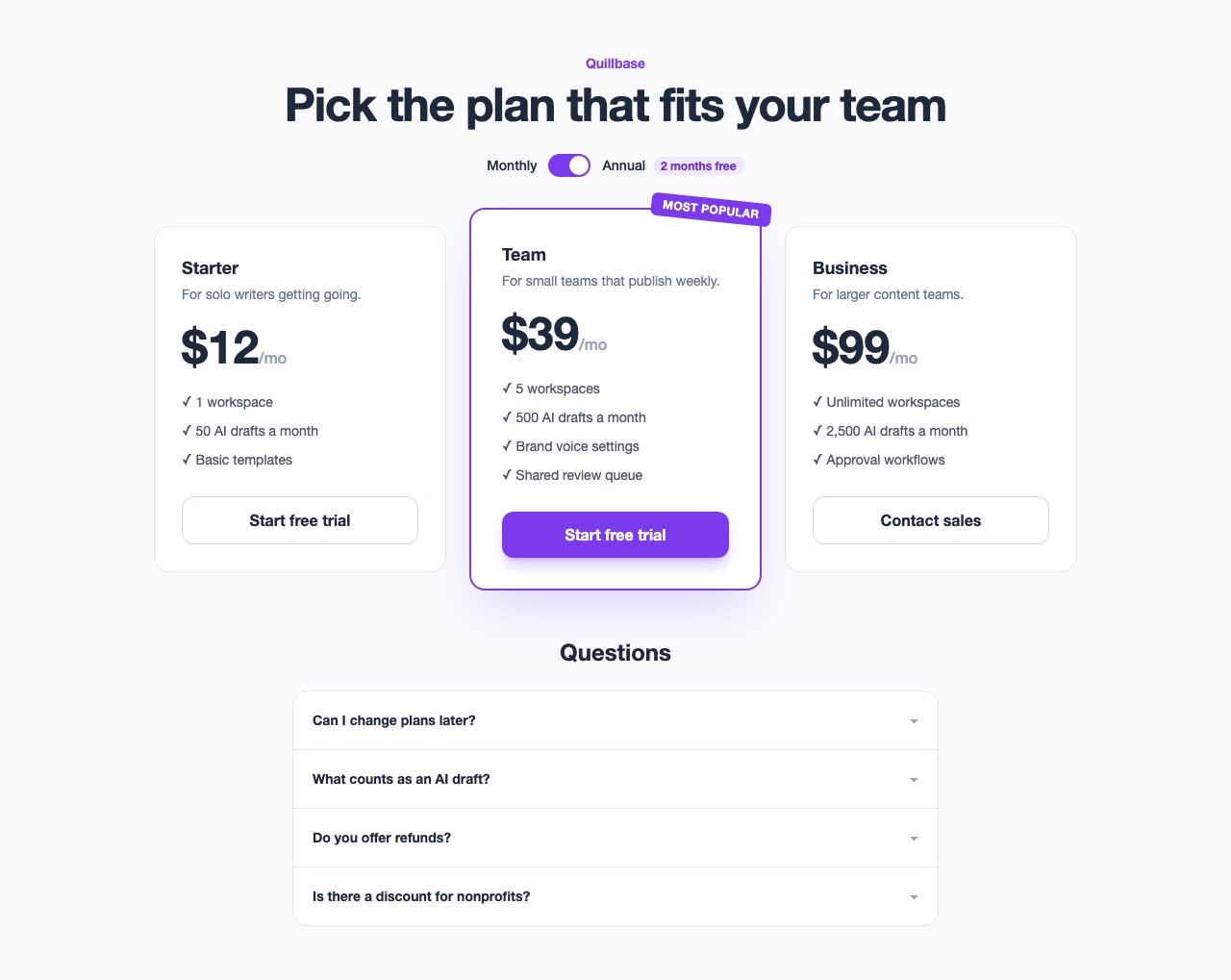
Example output. A simplified example of what this prompt can produce, made by Claude from the prompt using the sample values below. Names, prices and reviews are invented, and your result will differ with your own values and the tool you use.
- product_name:
- Quillbase
- tier_1_name:
- Starter
- tier_1_price:
- 12
- tier_2_name:
- Team
- tier_2_price:
- 39
- tier_3_name:
- Business
- tier_3_price:
- 99
- feature_list:
- workspaces, AI drafts, templates, brand voice, review queue, approvals
- primary_color:
- violet
Design a pricing page for {{product_name}} with three tiers: {{tier_1_name}} (${{tier_1_price}}/mo), {{tier_2_name}} (${{tier_2_price}}/mo, marked "Most Popular"), and {{tier_3_name}} (${{tier_3_price}}/mo).

Layout: three cards in a row, the middle card slightly taller/elevated with a colored border and a "Most Popular" ribbon. Each card lists: tier name, price, a short description, a bulleted feature list (pull from: {{feature_list}}), and a CTA button.

Above the cards: a monthly/annual billing toggle that updates the prices. Below: a FAQ accordion with 4 common questions.

Use Tailwind CSS, {{primary_color}} as the accent color.